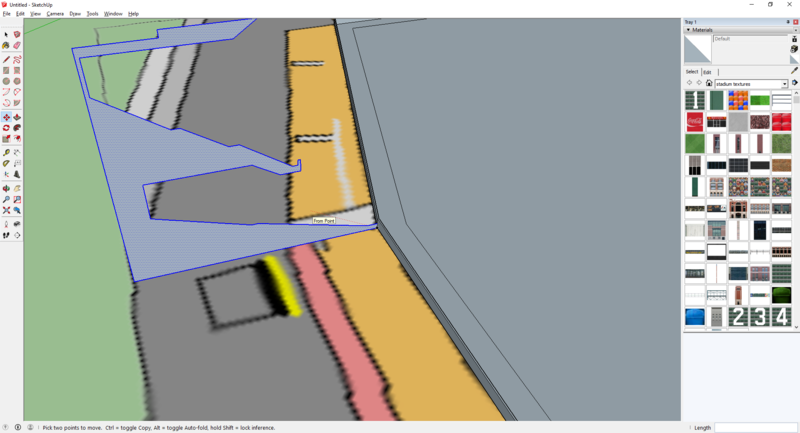
Now we have to move the profile to wall and rotate it so it is at a 90 degree angle from the wall.
We have to pick a place for this profile to go. Looking at the diagram, it seems the profile was meant to start on the 3rd base side where the pink section starts and go around to the first base side. the grandstands further out didnt have as many rows as this profle. we can fix this later.
I picked the starting point and drew a line perpendicular to it out. this is the liine we need to rotate the profile to and push it against the wall
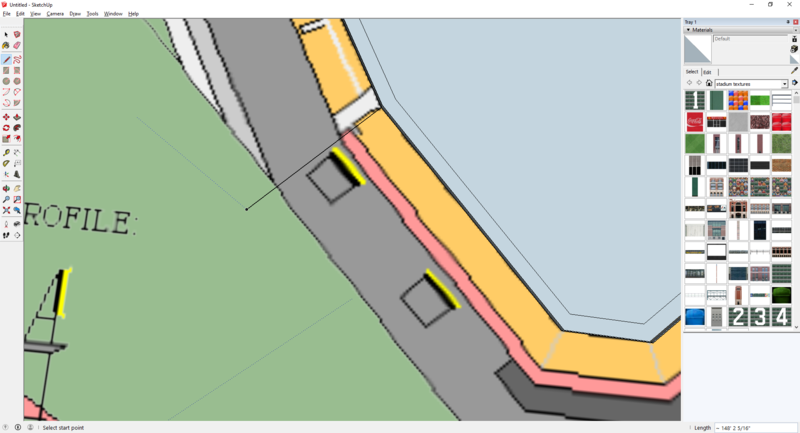
Now make sure the profile is still selected and select the move tool. the click on the bottom right of the profile and connect it to the line drawn by dragging the profile over to the line and clicking somewhere along the line
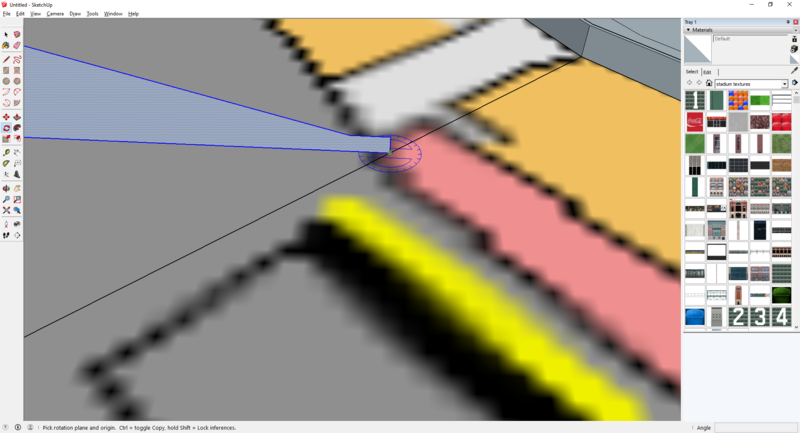
now place the rotate tool on the same spot
click once and drag along the bottom of the profie
click again and you can rotate the structure to line up with line drawn
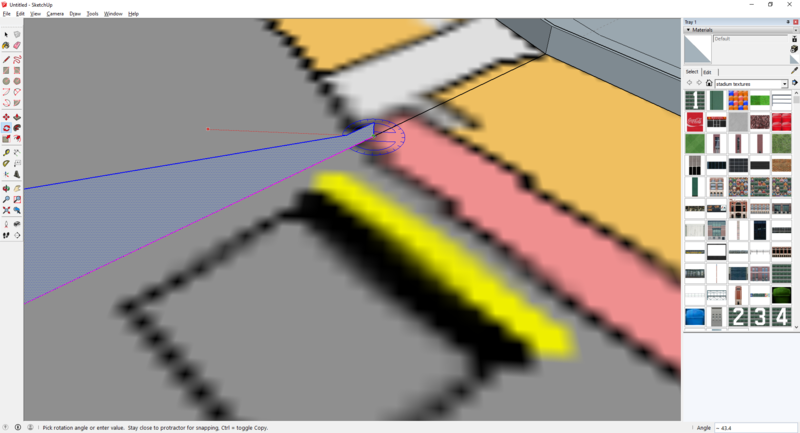
now move the structure against the wall by choosing the same point to rotate and move it to the point on the base of the wall