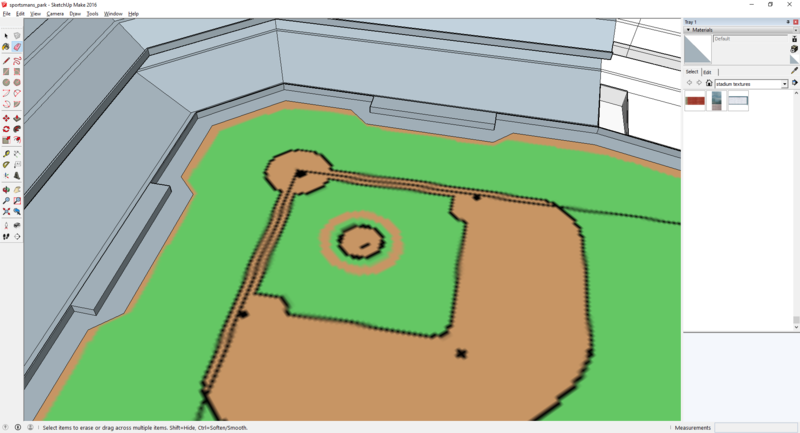
now we have to do the dugouts. to see the location we have to unhide the warning track area. Right click on it and select unhide
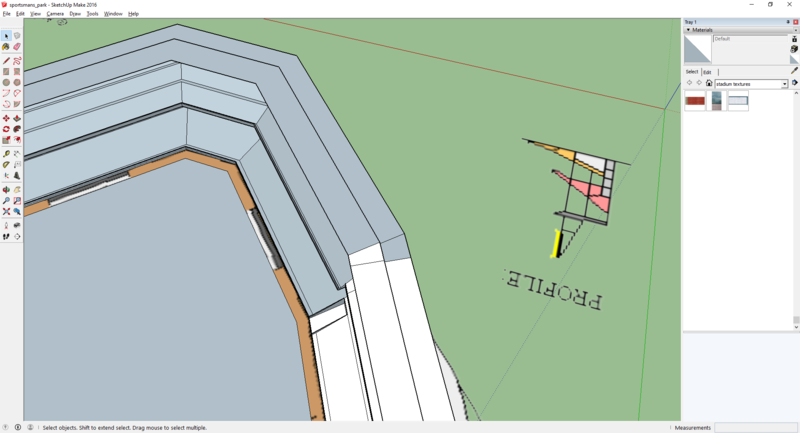
now that you can see the dugout, we are going to draw two lines at each end on the wall and then use push/pull to pull it out over the dugout area
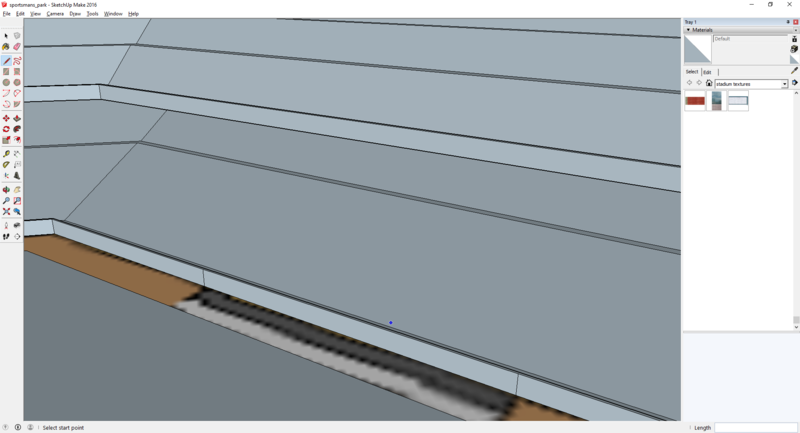
here is the finished product.
now just unhide the by going to edit -> unhide -> all
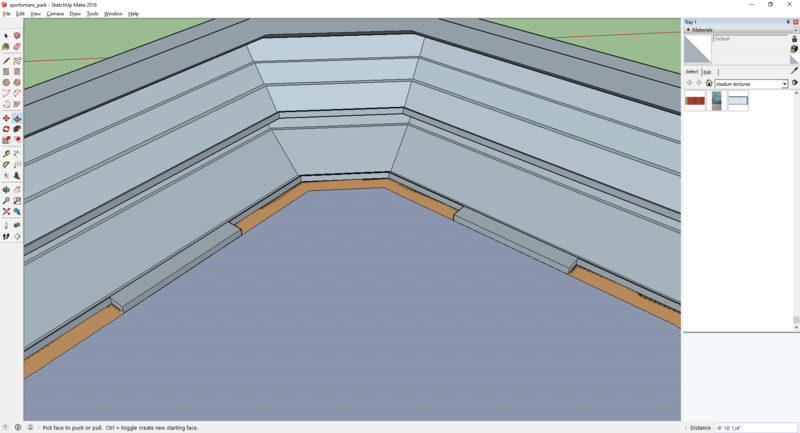
now, we can unhide the field portion to see the warning track around the dugout and use the pen tool to make adjustments
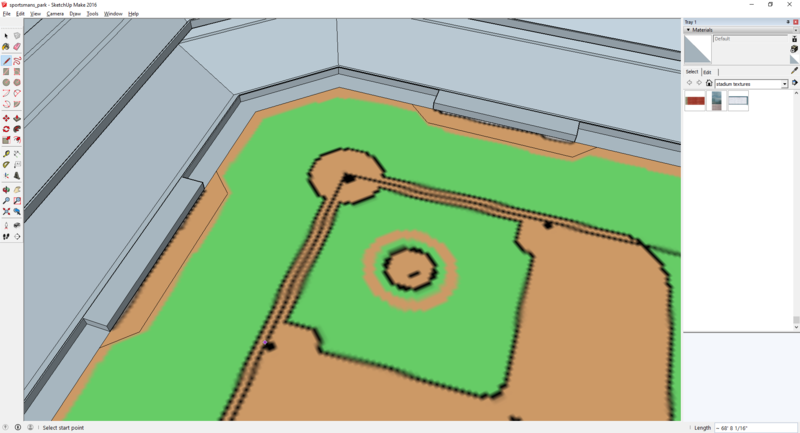
then use the eraser tool to erase the original lines on the warning track