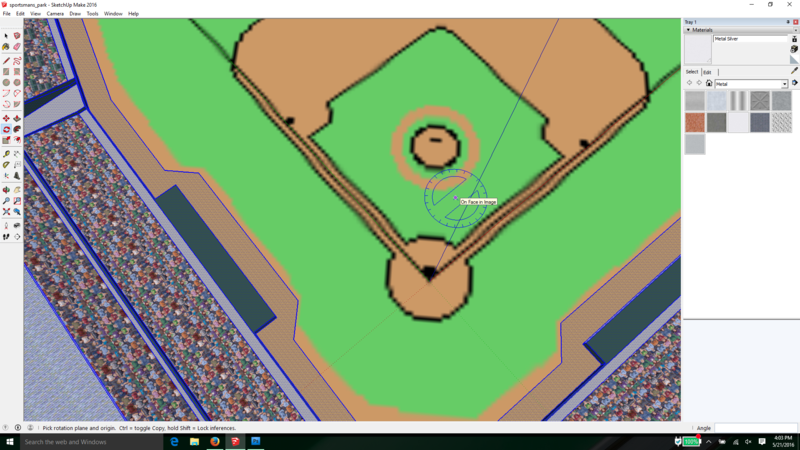
quicj step here:
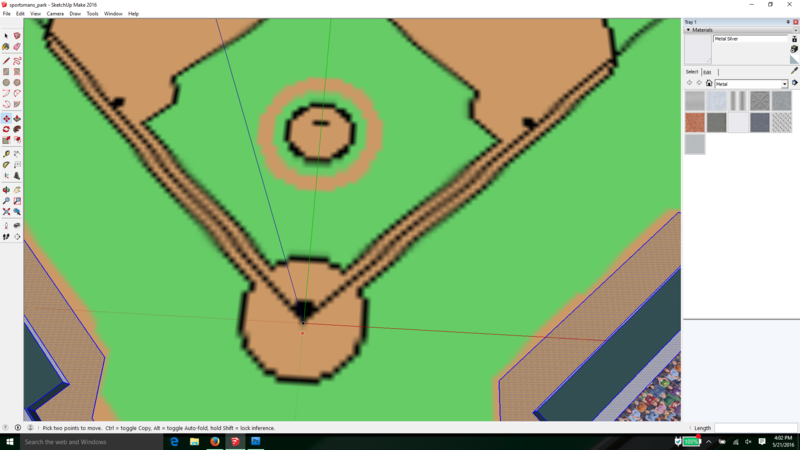
IT is vital to line up your home plate to the origin of the green/red/blue axes.
you do that by unhiding the infield to expose the diagram then zoom out and select the whole model
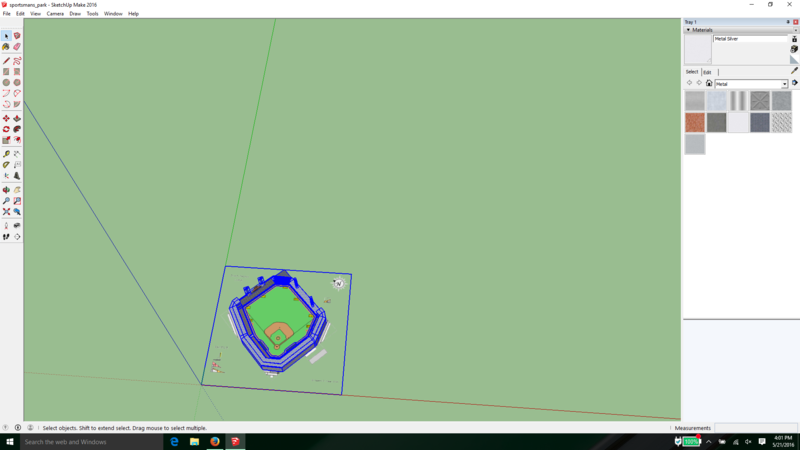
From there, you want to use the move tool and move the point of home plate to the orgin point
After that use the rotate tool from the origin and then simply rotate the model about 45 degrees until the green axes lines up exactly with the 3rd base line and the red axis lines up with the first base line